Audio Editor to process & master recordings – Mac – VST-2, VST-3, AU
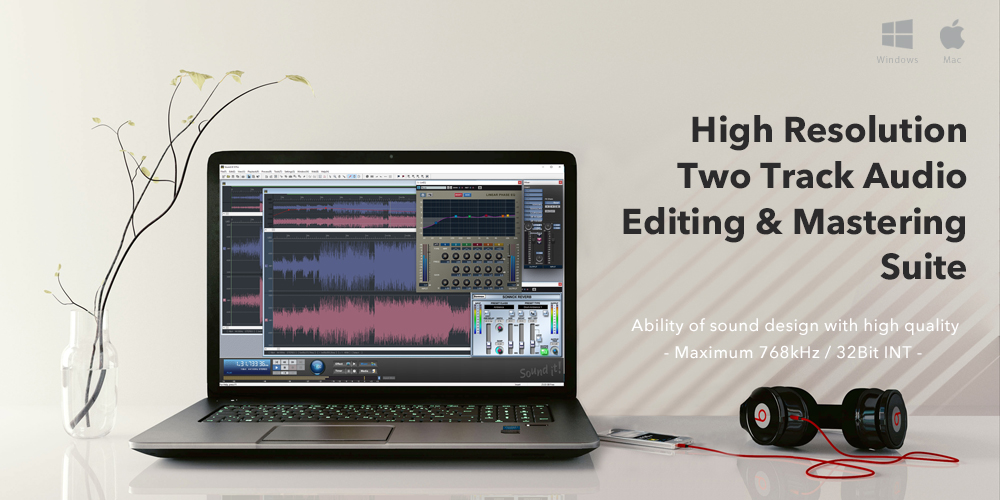
Internet Co. Sound It! 8 Basic provides sound engineers with a versatile software to record, edit, and process high-resolution, 2-track audio at up to 192 kHz / 24-bit, for music, film, television, radio, and live sound applications.
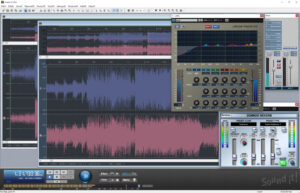
Recording is quick and easy with automatic recording between markers, time-shift recording, and auto-stop recording. Audio tracks are displayed in the Media Browser window where they can be previewed and opened using your mouse. The software’s editing functions include fade-in/out, reverse, insert blank, audio-format conversion (bit resolution/sampling rate/channel), invert phase, swap channel, gain control, normalize, and more.
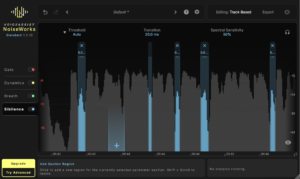
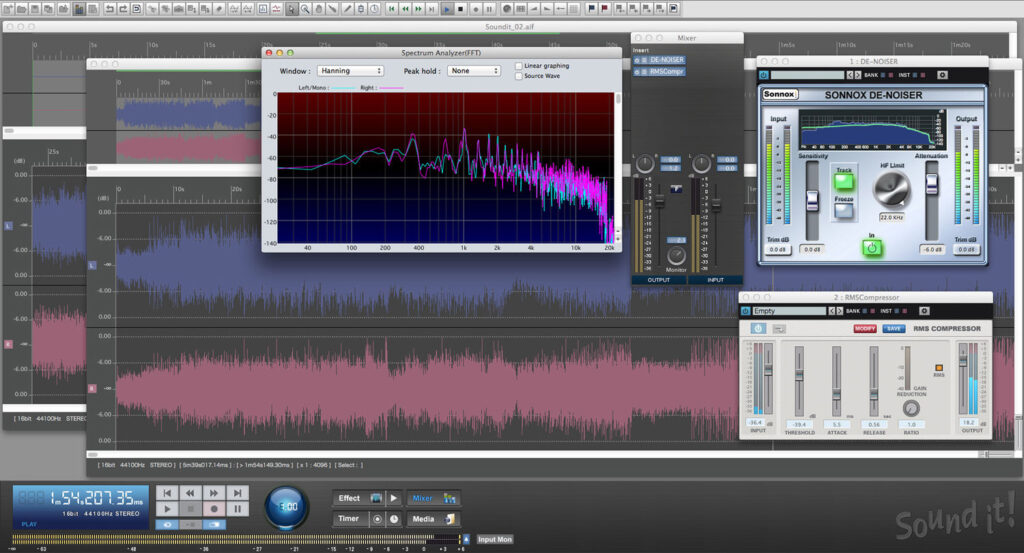
Sound It! 8 Basic’s mixer includes input and output faders, a monitor send, panning, and two slots for simultaneous effects plug-ins. The software comes with 25 effect plug-ins including EQs, dynamics, reverb, and specialized processors. Also included are Sonnox’ De-Noiser, De-Clicker, and De-Buzzer plug-ins, ideal for restoring problematic audio.
Restoration
Sound it! come with three types of Sonnox restoration plug-ins, De-Noiser, De-Clicker, and De-Buzzer can accurately remove clicks, crackles, and buzzes. Sonnox plug-ins are used by professionals worldwide for mixing and mastering music, film, television, radio, and live sound.
Bundled Effect Plug-Ins
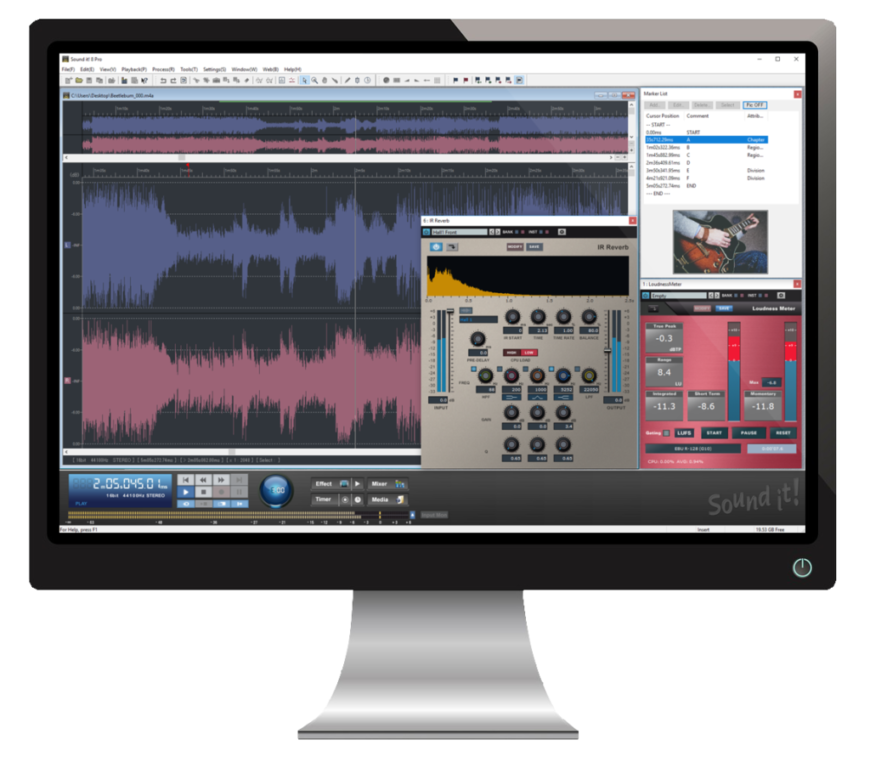
Sound it! 8 Pro bundles 49 powerful effect plug-ins, including the high-end Sonnox effects, EQ, Limiter, and Reverb, also fully compatible to native 64bit Operating systems and VST3.
* Basic bundles 25 effect plug-ins.
Vst2/3 and Audio Units (AU) Support
* Audio Units (AU) are available on only Macintosh edition.
Music CD Burning / Ripping
You can create music CD with adjusting levels and equalization. Also pre-gap time in 10ms (Basic:1s) increments gap-less and crossfade settings between tracks can be configurable.
Sound it! 8 Pro supports CD-TEXT.
* CD-TEXT can be shown by CD-TEXT compatible player.
* For burning music CD with CD-TEXT, CD-TEXT compatible disc drive (RAW+96 or RAW+96(P) compatible) is needed.
Create ACID Files
Easy to create ACID files, specifying a tempo, a beat or a root note name and saving with the WAV (Linear PCM) formats. These files are used in any other DAW softwares compatible with ACID files.
requirements:
mac:
cpu: 64 bit Intel multi-core processor* / Apple Silicon (macOS Big Sur) * Intel i3 or higher are recommended.
ram: 4
notes: OS X Mavericks (10.9) / OS X Yosemite (10.10) / OS X El Capitan (10.11) / macOS Sierra (10.12) / macOS High Sierra (10.13) / macOS Mojave (10.14) / macOS Catalina (10.15) / macOS Big Sur (11.0) * Compatible with English and Japanese-language operating sys
additional_requirements: Display: 1366×768 or more.
Internal device installed in the Mac you wish to use the program on or external USB Memory key (Jump drive/Dongles). If using USB Memory key (Jump drive/Dongles). As a authentication device, installations and activations are av
audio_card: OS compatible audio interface hardware
internet required: no
plugins:
VST-2
VST-3
AU
trial: no
notes:
feature: 2-track audio recording, editing, and processing for music, film, television, radio, and live sound applications
192 kHz / 24-bit high-resolution audio
Includes 25 bundled plug-ins
Media browser lets you display, preview, and open audio file with drag-and-drop functionality
Supports VST2 and VST3 plug-in formats
Operate with mouse and built-in and assignable keyboard shortcuts
Touch operation is supported with Windows 7 or later
Timeline scale of the edit window supports time, samples, and beats
Tempo (BPM) and beat can be set by clicking the mouse button or pressing the Enter key on the keyboard manually, while keeping time with the played sound
Transport panel with jog wheel lets you control the playback speed
Zoom in/out selected audio area
Easily move waveform view area by dragging it in the Edit window with the hand cursor
20GB maximum file size in WMA, MP3, and the company’s proprietary SIA format
4GB maximum file size in WAV format
Automatic recording start and stop times
Time Shift recording mode—start recording at a specified time from the release of the Pause button
Auto Stop recording—stop recording automatically after a time is specified
Processing includes fade-in/out, reverse, insert blank, audio format conversion (bit resolution/sampling rate/channel), invert phase, swap channel, gain (level) control, normalize
Open and edit multiple files at the same time
Markers enable you to set edit and record points
Auto Silence detection allows you to automatically add division or region markers after detecting silence
licensing methods:
usb
ilok
platforms: mac
1178-890