Sibelius Ultimate
Array
(
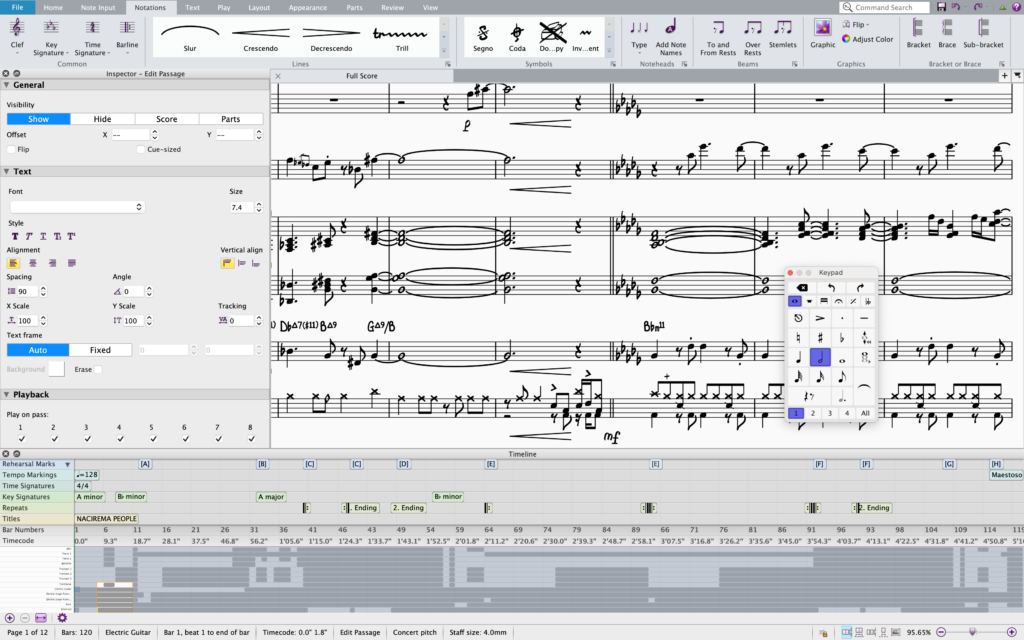
[0] => Compose – Create rich, detailed scores with easy-to-use music notation tools
[1] => Orchestrate – Perfect the arrangement and instrumentation in your score
[2] => Engrave + Copy – Prepare and fine-tune scores for performance
[3] => Share scores online and on social media with anyone, anywhere
[4] => Educate – Get powerful classroom tools and worksheets to teach notation
[5] => Publish – Prep scores and make then interactive to boost sales
)
From concert halls to classrooms, more composers, arrangers, and educators use Sibelius than any other music notation software. Discover the easiest way to write and share music with the world’s bestselling notation tool.
PhotoScore & NotateMe Ultimate
Scan music for transposition, arrangements, and editing
PhotoScore & NotateMe Ultimate 8 is the full-featured version of the PhotoScore & NotateMe Lite scanning software for Sibelius. Handwrite music on a tablet or laptop and convert your writing into professional scores. Scan printed sheet music into other MIDI software, such as sequencers. You can also use it on its own to scan in, play back, transpose, and print scores—and even save audio files.
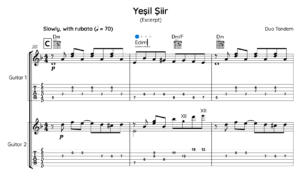
PhotoScore & NotateMe Ultimate reads printed and handwritten music or PDFs in seconds—not just the notes, but also printed slurs, dynamics, lyrics, guitar tab, chord diagrams, and more. You can then edit or transpose the music, play it back, extract the parts, and print.
Compose by hand
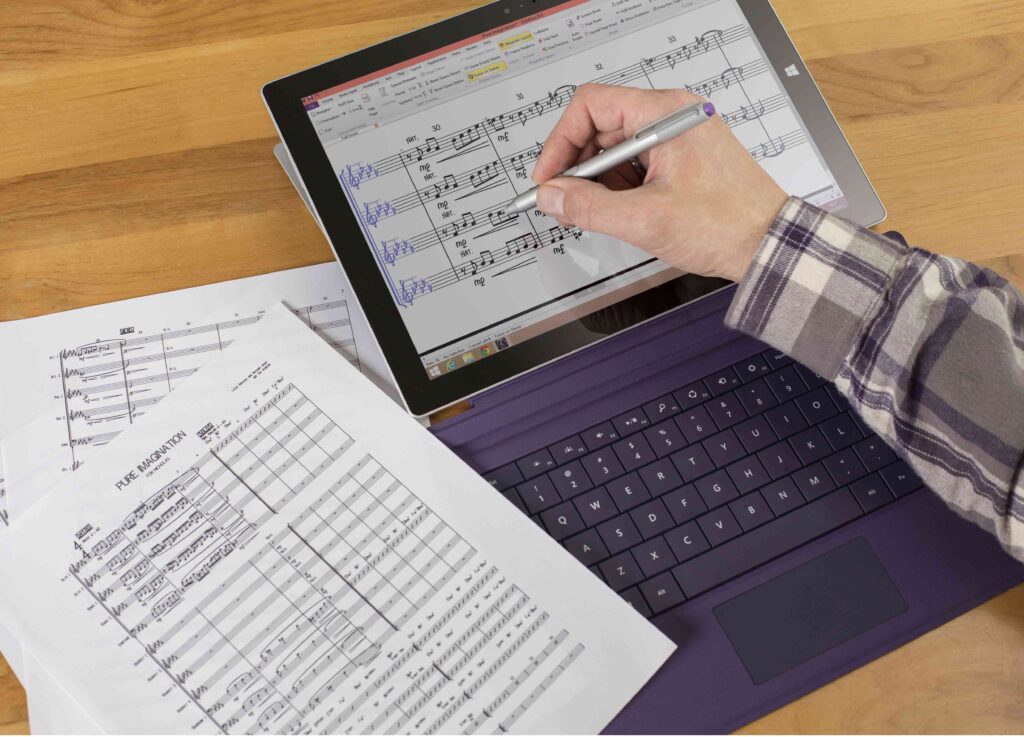
If you like to handwrite music, the NotateMe app enables you to do exactly that using a tablet, smartphone, trackpad, or mouse. And it’s now integrated right in PhotoScore 8. Work on a Mac or PC. Scrawl out symphonies using a Microsoft Surface and pen. Or compose on the go with your iOS or Android device.
Get better accuracy
Never miss a note, beat, or slur. With the OmniScore2 dual-engine recognition system, you’ll get over 99.5% accuracy when scanning most PDFs and original sheet music. Get improved recognition of tuplets and curved and distorted staves. Save time with more sophisticated automatic voice allocation. Even bring in JPEGs of compositions you’ve shot with your phone or camera.
Work smarter and faster than ever
PhotoScore & NotateMe Ultimate now recognizes printed music 30% faster, so you can get a jumpstart on your editing. It can also read low-res PDFs and scans down to 72 dpi. Save scores as PDFs for easy printing. Work with Sibelius 8. And experience better MusicXML score export, part extraction, rescoring, and other improvements.
Intuitive and easy to use
Ease-of-use has been a central design aim right from the start, and with automatic scanning and recognition, plus licensed Sibelius-style editing interfaces, PhotoScore & NotateMe Ultimate becomes fun and exciting to use.
What’s new
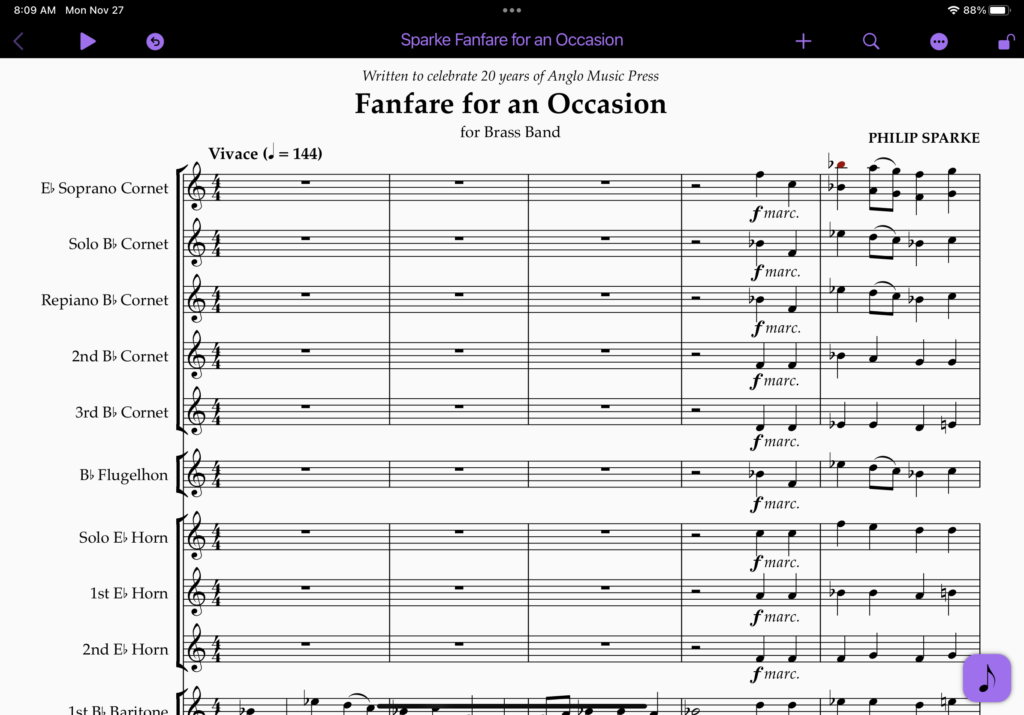
Sibelius is now available for Android and Chromebook devices, bringing it to millions more creators across the globe. Following the release of iPhone and iPad, this multi-year project to make Sibelius available to anyone, anywhere is now a reality.
Use on Your Mobile Device
Compose music anywhere. Sibelius Ultimate brings professional-grade notation to your iPad, iPhone, and Android devices. Experience seamless desktop-to-mobile workflow, fluid touch-optimized gestures, Apple Pencil support, and full cloud syncing. Write, edit, and review your scores on the go.
requirements:
mac:
cpu: 2 Core 2.5GHz processor
ram: 4
version: macOS 10.12+ 64-bit
internet required: no
windows:
cpu: 2 Core 2.5GHz processor
ram: 4
version: Windows 7/8/10 64-bit
internet required: no
trial: no
notes:
feature: PhotoScore & NotateMe Ultimate
Ideal for composing, arranging, and publishing scores and parts of any size and complexity; creating notation worksheets and exercises for education
Full notation set
Up to nonuplets
5 Lyric Verses allowed
36GB of high-quality samples
Unlimited staves
512th note (7 beams) to long (double breve)
Full range of bar formats
Customizable brackets and braces
Customizable beam/rest groupings
Fully customizable chord symbols
Full guitar tab
Customizable staff filters
Lines gallery (trills, slurs, hairpins, etc.)
4 voices per staff
Customizable
platforms: mac
windows
1178-1547